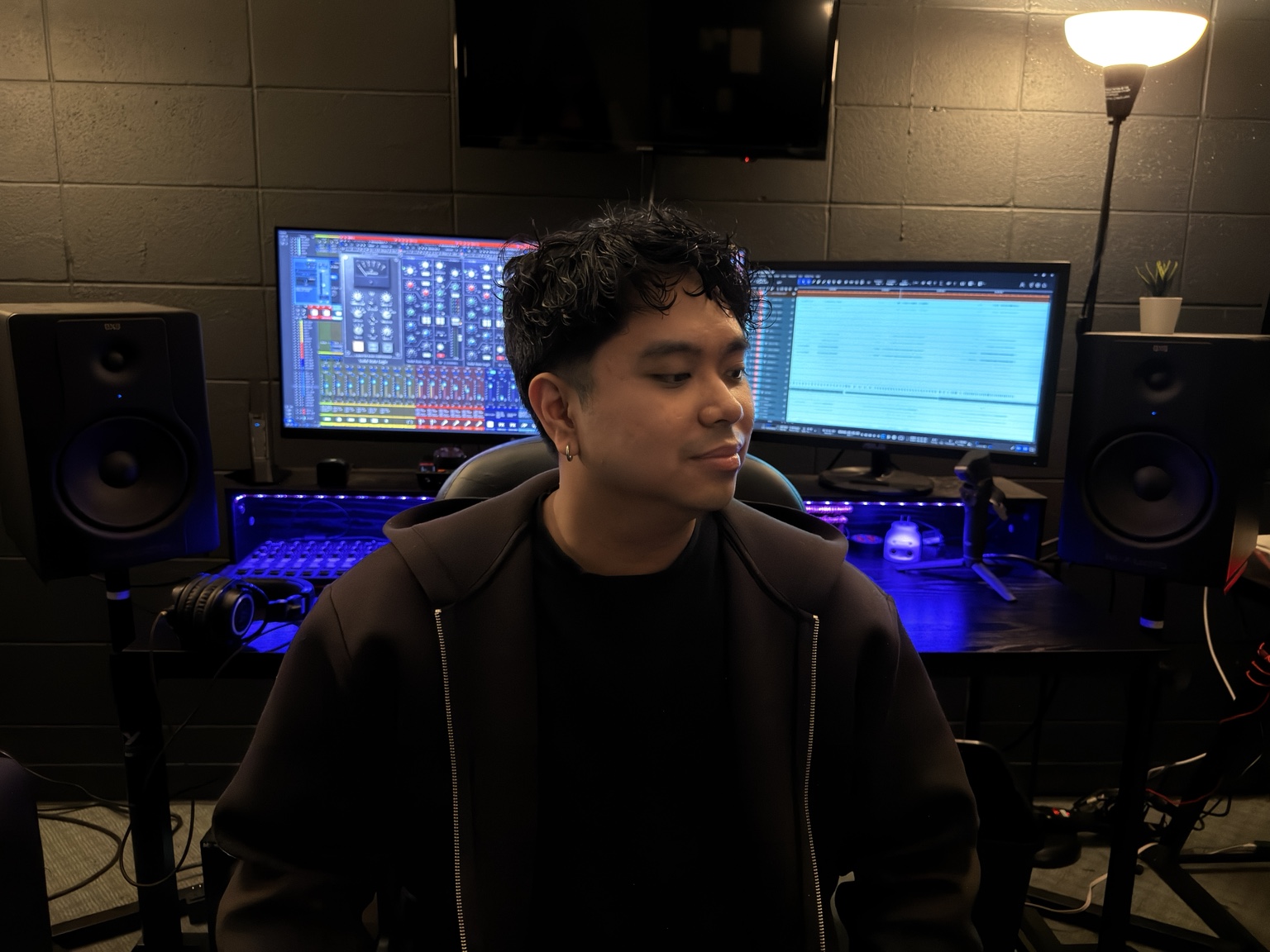
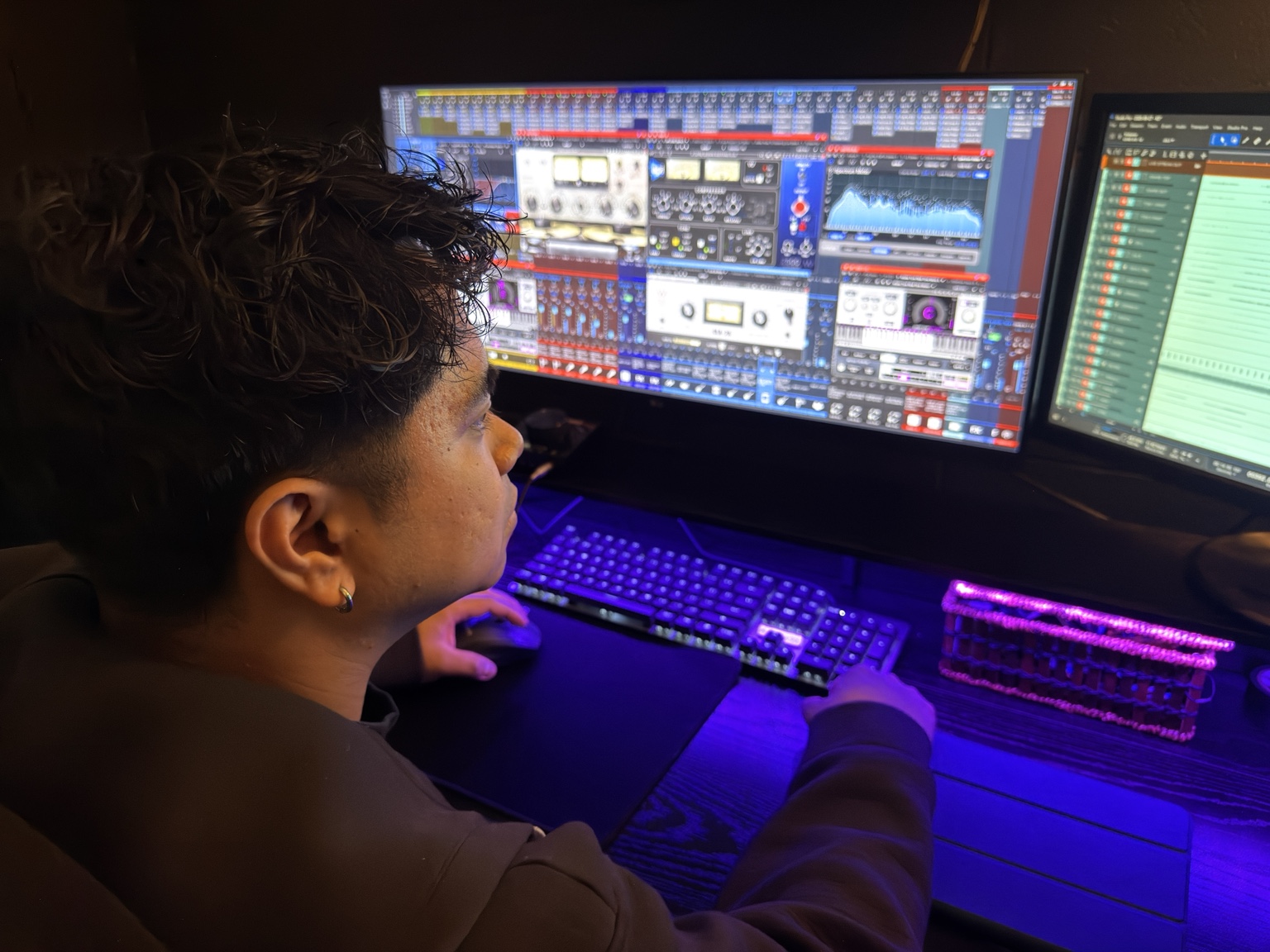
Church broadcast mixing templates

Your broadcast mix,
already in position.

A refined starting system for livestream engineers who want organized routing, intentional processing, and a repeatable Sunday workflow.

WORKFLOWBuilt for Sunday FORMAT48 kHz / 24-bit LICENSEOne-time purchase

Stock and Elite

Hear it in action.

Stock

Studio Pro effects

Hear the Stock session using Studio Pro's included effects.

Elite

Waves processing

Hear the Elite session with Waves processing.

The Broadcast Ready system

One foundation.
Two ways to mix.

Start with the included effects or step into a Waves Creative Access and Slate Trigger 2 workflow.

One DAW. Two editions.

Built around how
your church mixes.

Every edition begins with the same goal: spend less time rebuilding sessions and more time shaping the service.

01NO THIRD-PARTY PLUG-INS
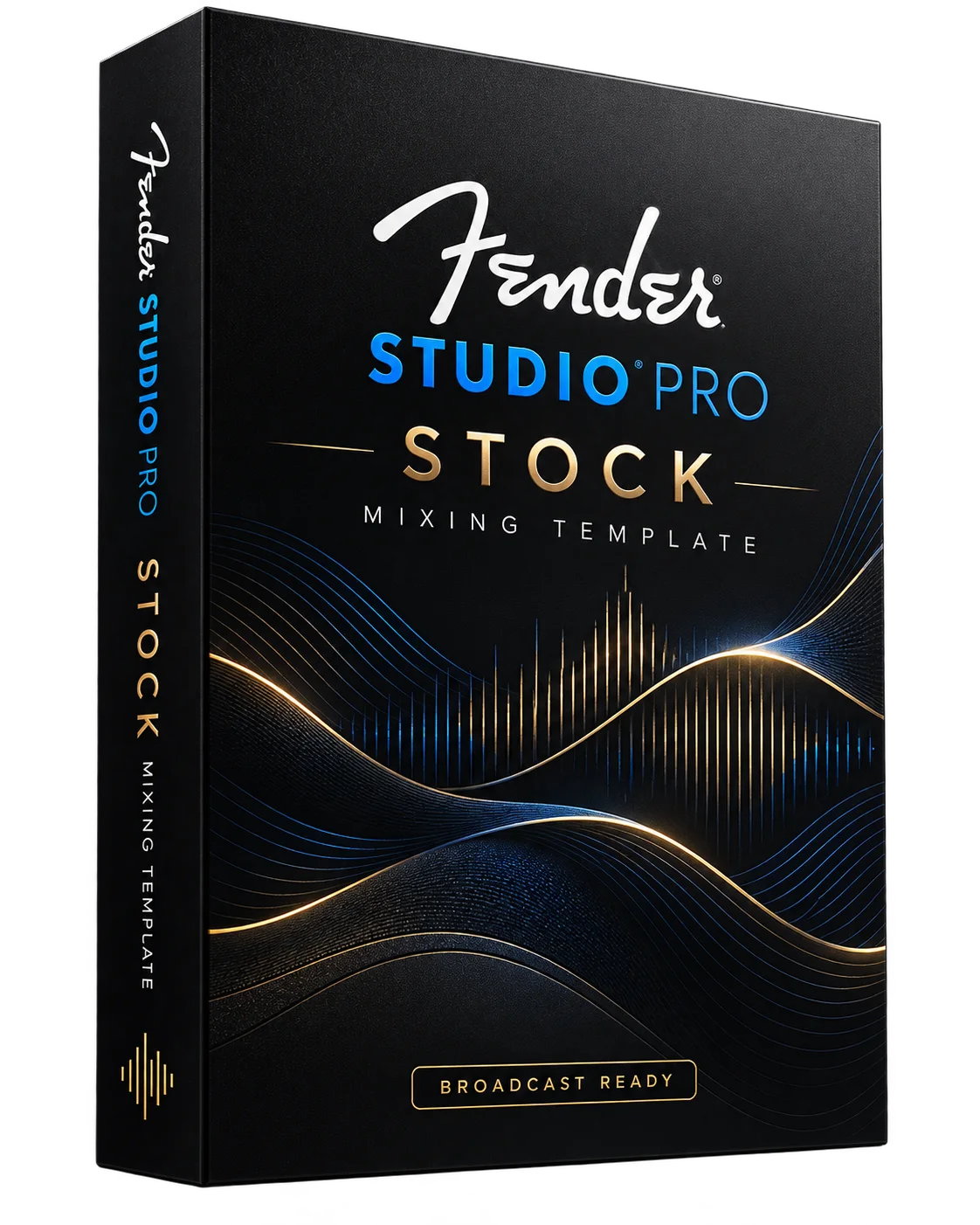
Broadcast Ready Fender Studio Pro Stock mixing template box

Studio Pro Stock

The Broadcast Ready workflow using the effects included with Fender Studio Pro.

  • Organized worship mix routing
  • Stock channel and bus processing
  • FX buses and broadcast master path
  • No third-party plug-ins required
ONE-TIME$98 USD
Buy Stock

Please review the template license terms before purchasing.
02ADVANCED PROCESSING
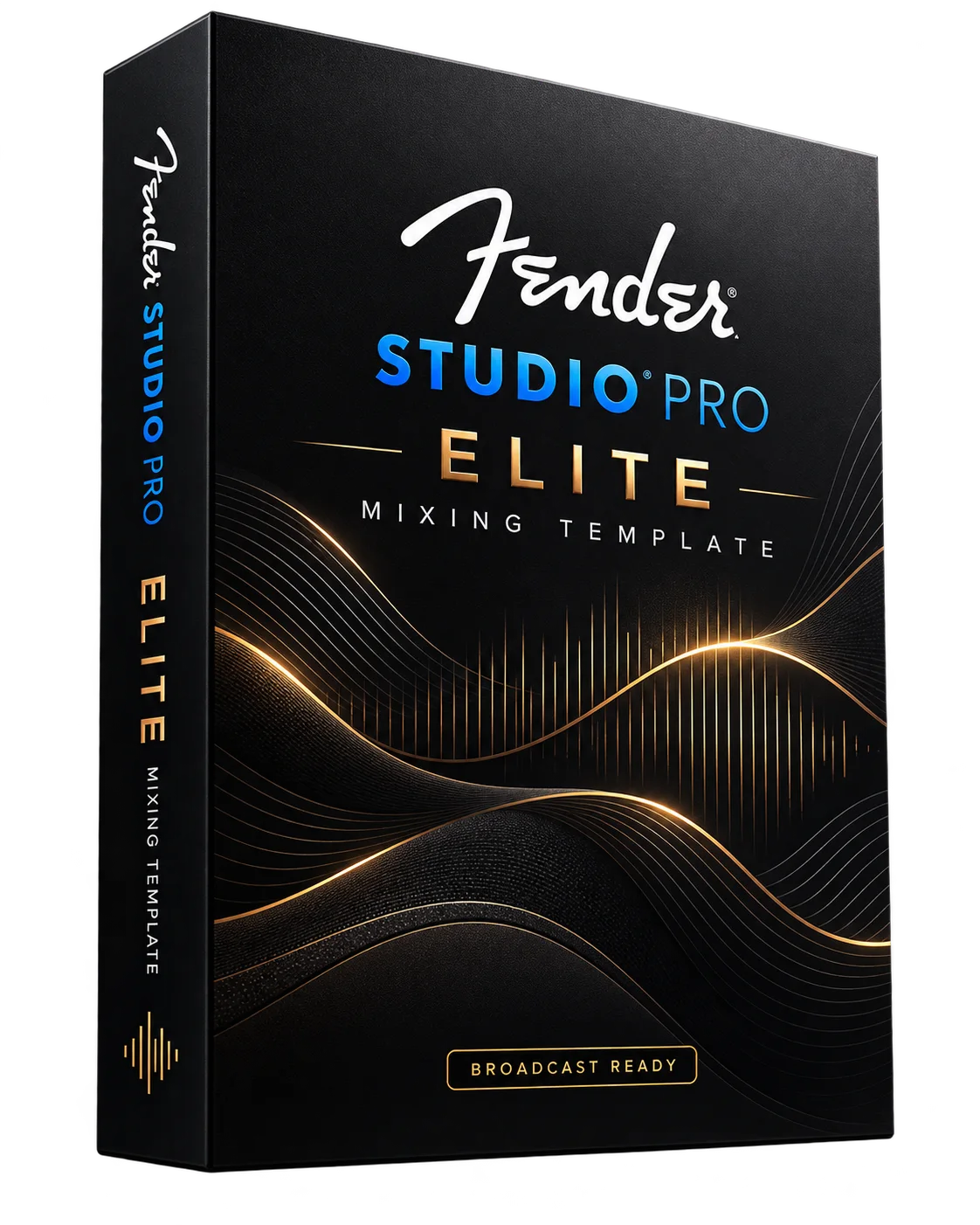
Broadcast Ready Fender Studio Pro Elite mixing template box

Studio Pro Elite

A premium session using Waves plug-ins, Slate Trigger 2, and the free Softube Saturation Knob.

  • Organized worship mix routing
  • Waves Creative Access processing chains
  • Enhanced bus and FX architecture
  • Slate Trigger 2 drum processing
  • Free Softube Saturation Knob
ONE-TIME$149 USD
Buy Elite

Please review the template license terms before purchasing.
All checkouts open securely through Stripe.

Customer feedback

Reviews

I think I can finally hear my acoustic guitar in the mix, haha.

Mike A

Read Mike's full review

As a seasoned user of PreSonus Studio One, making the switch to Fender Studio Pro is a seamless experience with more features. This template alongside an already intuitive DAW, boosted production of my workflow with its UI. The learning curve is there, but thankfully the provided tutorial accelerated the introductions.

Although Studio Pro has decent stock plugins to run the Sunday set, it’s a no-brainer to go for the complete package. It’s one thing to just hear the musical difference of the Elite Session. I think I can finally hear my acoustic guitar in the mix, haha. It’s also another thing for our world to open up with more advanced plugins as mix engineers.

My drawback is I wish this was already available for more DAW’s for those who are specific with their workflows. Bottomline, you just gotta hear the Elite Session! Add that extra pillow to your Sunday Morning! Thank you Mr. Ken! Remember, Jesus Is Watching!

Edition details

A clear look at
what is included.

IncludedStock $98Elite $149Complete $197
Fender Studio Pro sessionStockEliteBoth editions
Core routing and groupsIncludedIncludedIncluded
Primary processingStudio Pro effectsWaves Creative Access + Slate Trigger 2Both workflows
Extra plug-in licensesNot requiredRequiredOnly for Elite session
Broadcast master pathStock chainAdvanced chainBoth chains
System flexibilityStock systemsPlug-in equipped systemsMaximum flexibility

The Complete Bundle will include two separate Fender Studio Pro sessions. Elite uses Waves plug-ins, Slate Trigger 2, and the free Softube Saturation Knob.

Ready before service

Less rebuilding.
More listening.

The template gives you a considered starting point while leaving the final mix decisions in your hands.

  1. 01

    Open

    Begin with a clearly structured broadcast session for your DAW.

  2. 02

    Route

    Map Dante, USB, or interface inputs and outputs to your system.

  3. 03

    Shape

    Adjust levels and processing for your room, band, and livestream.

Before you open the session

Simple setup.
Clear requirements.

TARGET DAWFender Studio Pro

Check your Studio Pro version and the edition's plug-in requirements before purchasing.

SESSION48 kHz / 24-bit

A consistent starting format for broadcast.

CONNECTIONDante, USB, or interface

Remap the template to your available I/O.

ELITE EDITIONWaves plug-ins
+ Slate Trigger 2

Install the plug-ins listed below. Licenses are purchased separately.

Windows PC recommendations

Give your mix some room to run.

These are practical targets for a live broadcast session, above the basic requirements to install the software. Your track count, plug-ins and streaming setup will affect performance.

PROCESSORRecent 6-core Core i5 or Ryzen 5

For Elite with OBS on the same PC, an 8-core Core i7 or Ryzen 7 gives you more headroom.

MEMORY16 GB Stock
32 GB Elite

Waves currently lists 16 GB for its plug-ins. I recommend 32 GB for Elite, especially if this PC also runs the stream.

STORAGESSD with 100 GB free

Leave extra space for Trigger samples and any multitrack recordings.

Use Windows 11 with your interface maker's ASIO driver. Run a full rehearsal and watch Studio Pro's Performance Monitor before relying on the session for Sunday. Fender specs · Waves specs

Elite plug-in requirements

Know what you need
before checkout.

Use Waves Ultimate or purchase individual Waves licenses where available. Waves Essential has a smaller catalog, so check every plug-in before choosing that plan. Plug-in licenses are not included with the template.

Waves plug-ins in the Elite session

  • Abbey Road TG Mastering
  • API-2500
  • C6
  • CLA Drums
  • CLA-2A
  • CLA-76
  • Curves Equator
  • H-Delay
  • H-Reverb
  • IDX Intelligent Dynamics
  • InPhase
  • InPhase LT
  • Kramer Tape
  • L2
  • L4 Ultramaximizer
  • Maserati GRP
  • MaxxBass
  • NLS Buss
  • PuigChild 670
  • PuigTec EQP-1A
  • RBass
  • RCompressor
  • RDeEsser
  • RVerb
  • RVox
  • Renaissance Axx
  • Scheps Parallel Particles
  • Sibilance
  • Smack Attack
  • SSLChannel
  • SSLComp
  • SSLEQ
  • VEQ4
  • Vocal Rider
  • Waves Stream Send (collaboration)
  • Waves Tune Real-Time

Names reflect the inserts in the session supplied for review; mono, stereo and numbered instances are listed only once. Waves Stream Send is a collaboration feature, separate from the core mix. Browse Waves plug-ins.

SLATETrigger 2

Separate license required for drum sample triggering. See Steven Slate Drums.

FREE PLUG-INSoftube Saturation Knob

Free to download from Softube. It is not part of your Waves or Slate purchase. Get Saturation Knob.

Template license

Made for your team.
Kept with your team.

Purchase gives your church or organization permission to use its Broadcast Ready template in its own productions. Your staff and volunteers may work with your copy for that organization.

No resale, redistribution or sharing. Do not resell, give away, upload, publish, or send the template files or download link to another person or organization. Another church needs its own purchase unless you have written permission from Broadcast Ready.

Please respect the work behind the template.

Questions before checkout

The details,
without the fine print.

Which edition should I choose?

Choose Studio Pro Stock if you want a workflow without third-party plug-ins. Choose Studio Pro Elite if you have the required Waves plug-ins and Slate Trigger 2, plus the free Softube Saturation Knob. Choose Complete if you want both Studio Pro sessions.

Why is Broadcast Ready only offered for Studio Pro?

I know your church may already have a DAW. I chose Fender Studio Pro so I can test and support one version of the template properly and keep the price reasonable.

Its dual audio engine is a big reason I use it for broadcast. Audio Dropout Protection lets playback use a larger processing buffer while live inputs stay on a smaller one. That gives tracks, buses and effects more room to run without making the whole session follow the live monitoring buffer. I can build a detailed worship mix and still keep the live inputs responsive.

Studio Pro also compensates for plug-in delay on playback tracks. There are limits: effects with more than 3 ms of latency are bypassed in its native low latency monitoring path, and the load your computer can handle depends on your setup. Test your session before a service. Read Fender's guide to buffering and monitoring.

Will the template mix the service for me?

No template replaces your ears. Broadcast Ready gives you an organized, processed starting point so you can focus on the musical decisions.

Does Studio Pro Stock require third-party plug-ins?

No. Studio Pro Stock uses the effects included with Fender Studio Pro.

Does Studio Pro Elite include the plug-in licenses?

No. You need licenses for the Waves plug-ins and Slate Trigger 2. Softube Saturation Knob is free. See the Elite plug-in checklist above for the individual Waves names.

Can I share or resell the template?

Your church's staff and volunteers can use its copy. Please don't resell it, post it online or share the files or download link with another organization. Another church needs its own copy. Read the template license terms.

Does it require Dante?

No. You can use Dante, USB, or another audio interface and remap the session inputs and outputs to match your system.

Broadcast Ready

Walk in prepared.
Mix with intention.

Explore editions

Church sound consultation & coaching

Better sound.
With the system
you have.

Help your church bring clarity to the message and balance to the worship mix. Get practical guidance for your existing front-of-house system and the people behind the console.

Get in touch

Your room. Your equipment. Your team.

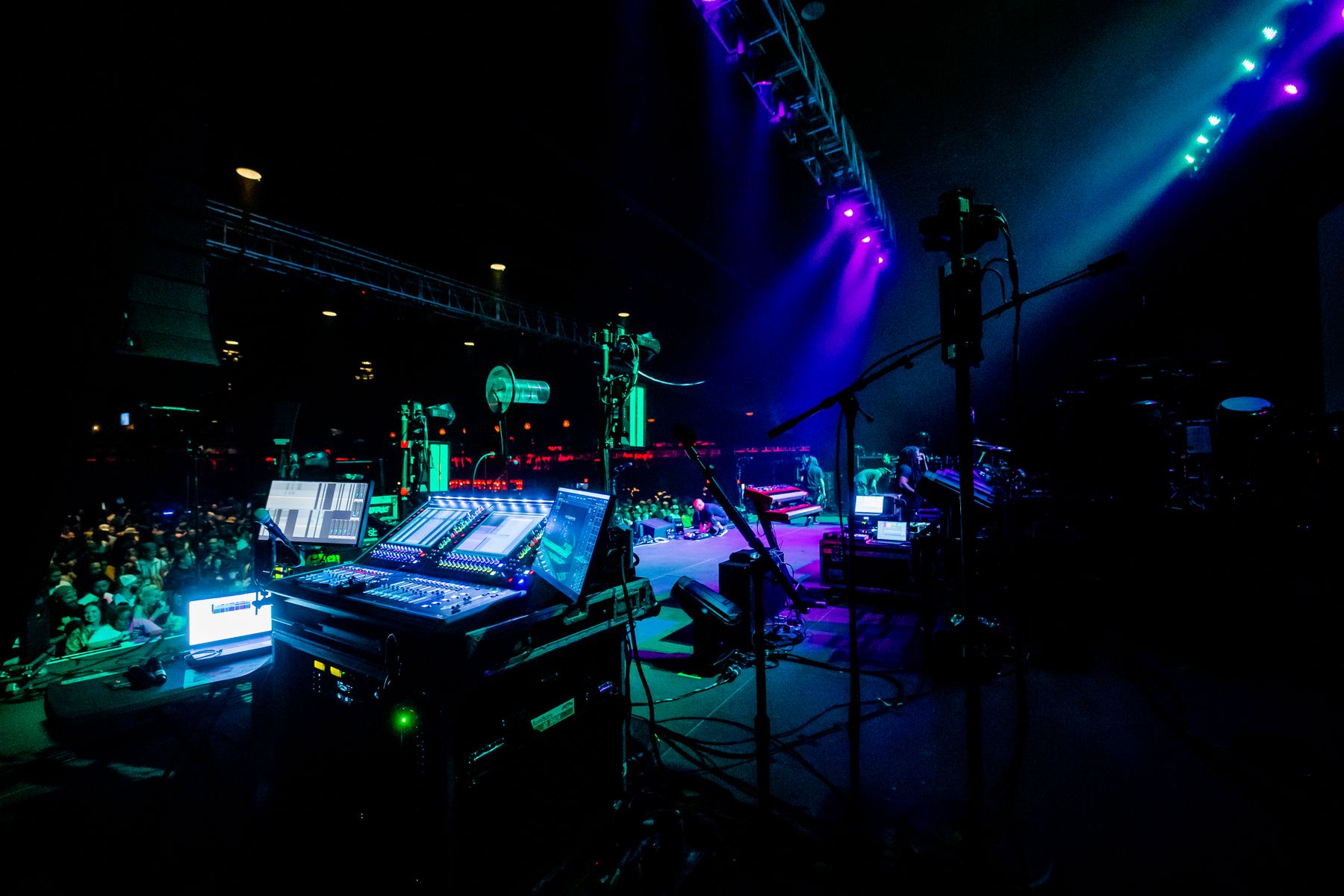
Indoor live sound console with PA speakers, stage monitors, and an illuminated stage
Photo by Caleb Oquendo / Pexels

Start with what you already have

A clearer mix.
A more confident team.

Work through the challenges you hear every service, with guidance shaped around your space, current equipment, and volunteer team.

FOH consultation

Take a closer look at how your current sound system works together, and identify practical adjustments to improve the sound in the room.

  • Signal flow and gain staging
  • Vocal clarity, EQ, and mix balance
  • Feedback and stage-volume management

Mixing & team coaching

Build your team's listening skills and confidence at the console, with a repeatable approach they can bring into every service.

  • Soundcheck and service preparation
  • Balancing speech, vocals, and instruments
  • Consistent workflows for volunteers

Let's talk about your church

Make the most
of your mix.

Tell us about your church, the sound system you're using, and what you would like to improve. We'll start there.

Get in touch

The person behind Broadcast Ready

Meet Ken

I know what it takes to make a church sound system work for the room, the team, and the people listening from home.

I'm a multi-instrumentalist with a focus on drums and bass, and I've played bass professionally for 12 years. For about four years, I've led the Live Operations Ministry at WIN Calgary, helping volunteers grow their skills and take ownership of the mix.

Our approach starts with the system already in place. We reviewed signal flow, calibrated and tuned our roughly 20-year-old front-of-house system, and worked on gain structure, speaker balance, and feedback control. The result was clearer sound at a comfortable listening level, with less of the harshness and feedback we used to hear, without immediately spending thousands on a full replacement.

I also developed the Broadcast Ready template over four years to bring the energy and clarity of a live service to people watching at home. The goal is a broadcast that feels connected to the room and makes viewers wish they were there in person.

Let's talk about your sound